






Easy to save.Easy to find.
For anyone whose Saved Messages have become an endless scroll. Forward a link, file or voice message to Memora, then find it by words from the record or transcript.
Remember one detail. Find the whole memory.
“…come in through the yard, the door code is 45K, third floor, door on the left”

door code
You remember the details, not the day you sent it.
Search the memory or transcript and come back to the original.
- 0
- new apps to install
- 1
- archive for links, memories and files
- 50
- items free, monthly limits apply
- 2
- export formats: Markdown and JSON
Saving to Saved Messages is easy. Finding it again should be too.
Save it for later. Actually come back to it.
Loft cafe with bookshelves and a quiet room for up to 14 people
dinner ≈ cafeteam ≈ room for 14team dinner spotSmart search
Find the detail you remember
Search memories, transcripts and documents by words. Turn on smart search to search by meaning.
0:21Buy concert tickets before Friday, 22 May, 7 pm, and ask Alex about the hall.
Voice to text
Forward a voice message or video note. Memora transcribes supported audio, so you can search what was said.
 0:09Don’t forget the concert on 22 May, it starts at seven and the tickets are in my inboxFound a date: 22 May. Set a reminder?We’ll remind you on 21 May at 7 pm
Reminders
Set a reminder on a record, then snooze it or mark it done in the bot. Memora can suggest a reminder when it detects a date.
From a forward to the record you need.
Forwarded from Saved Messages
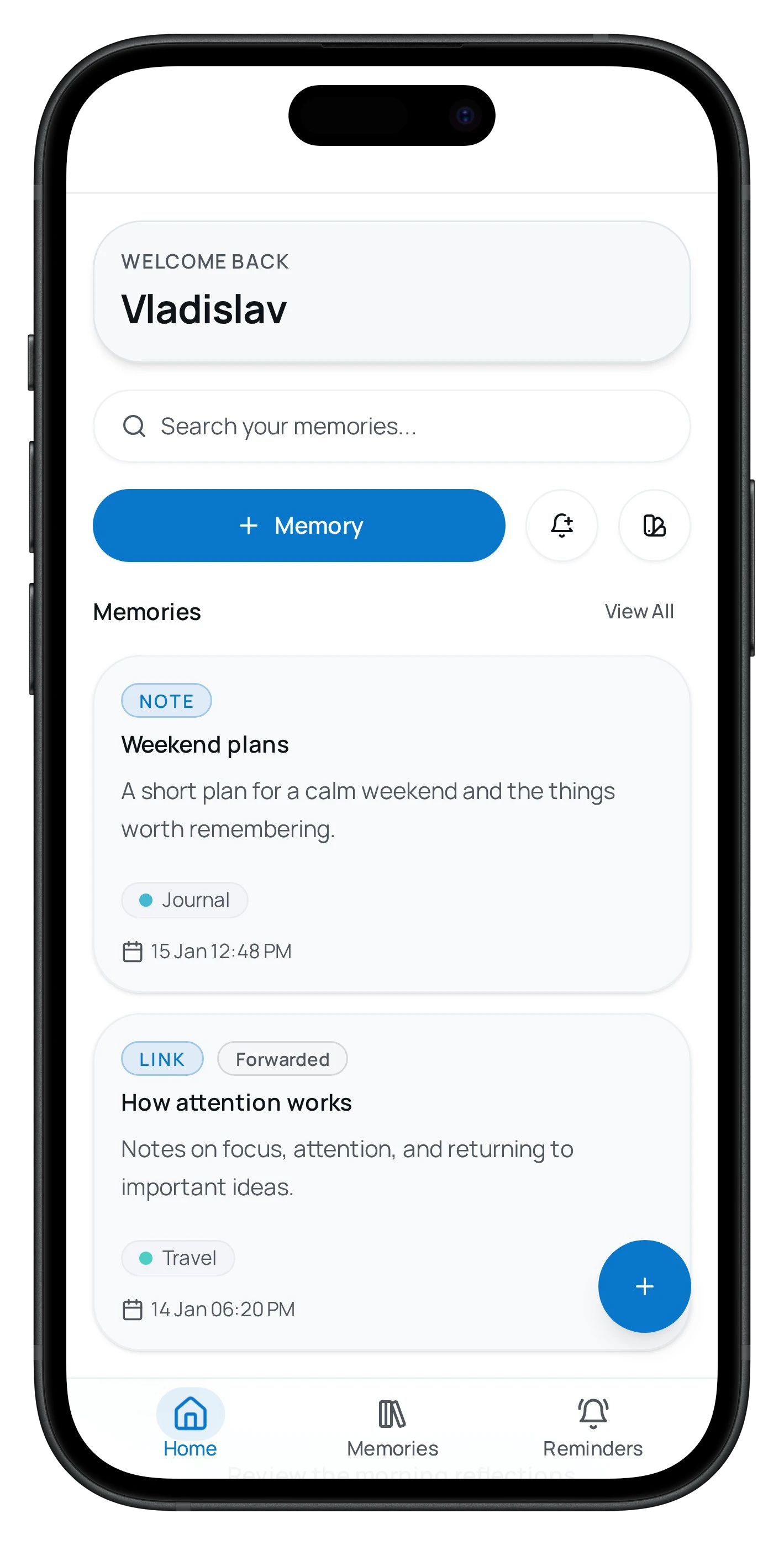
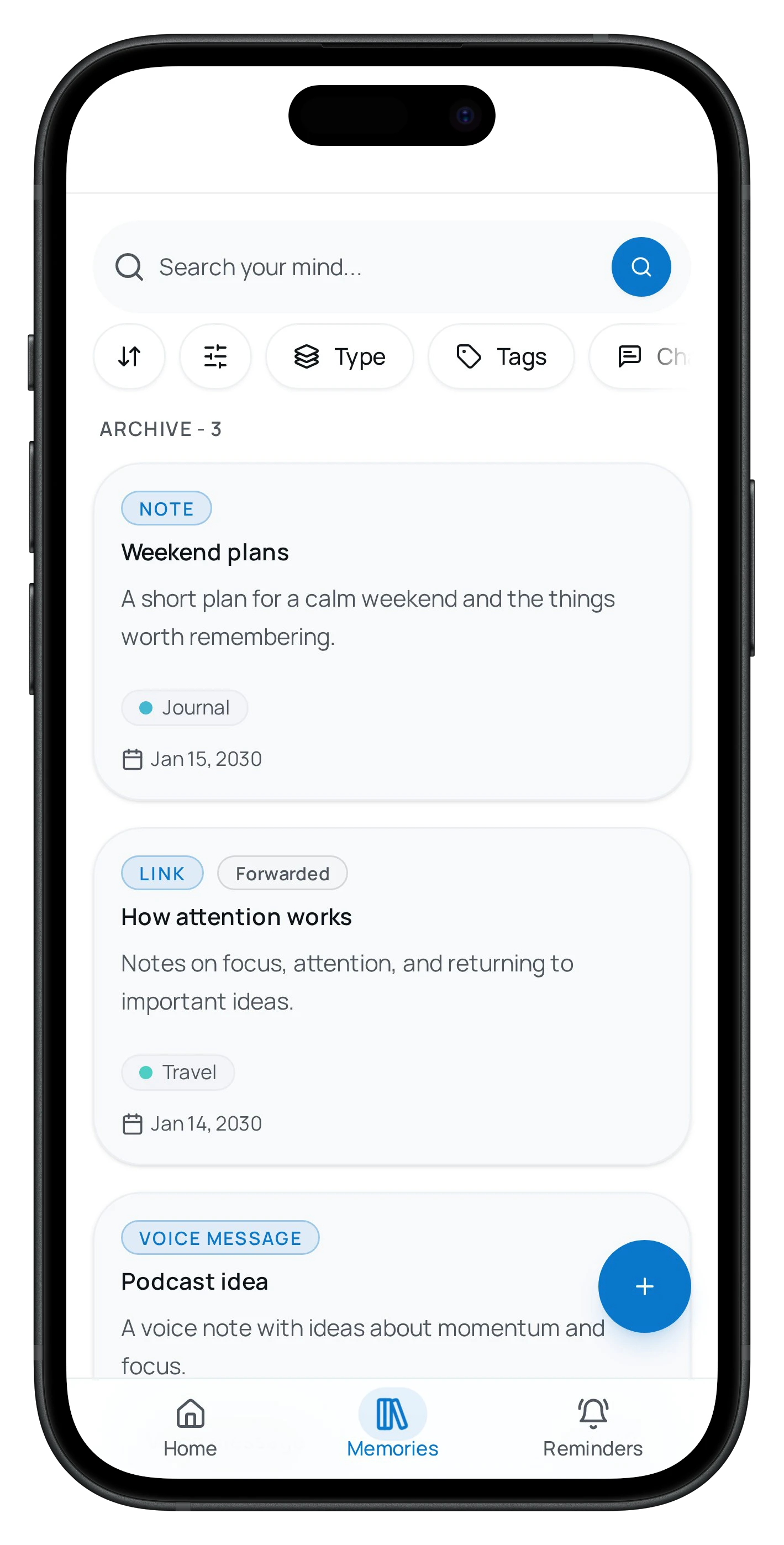
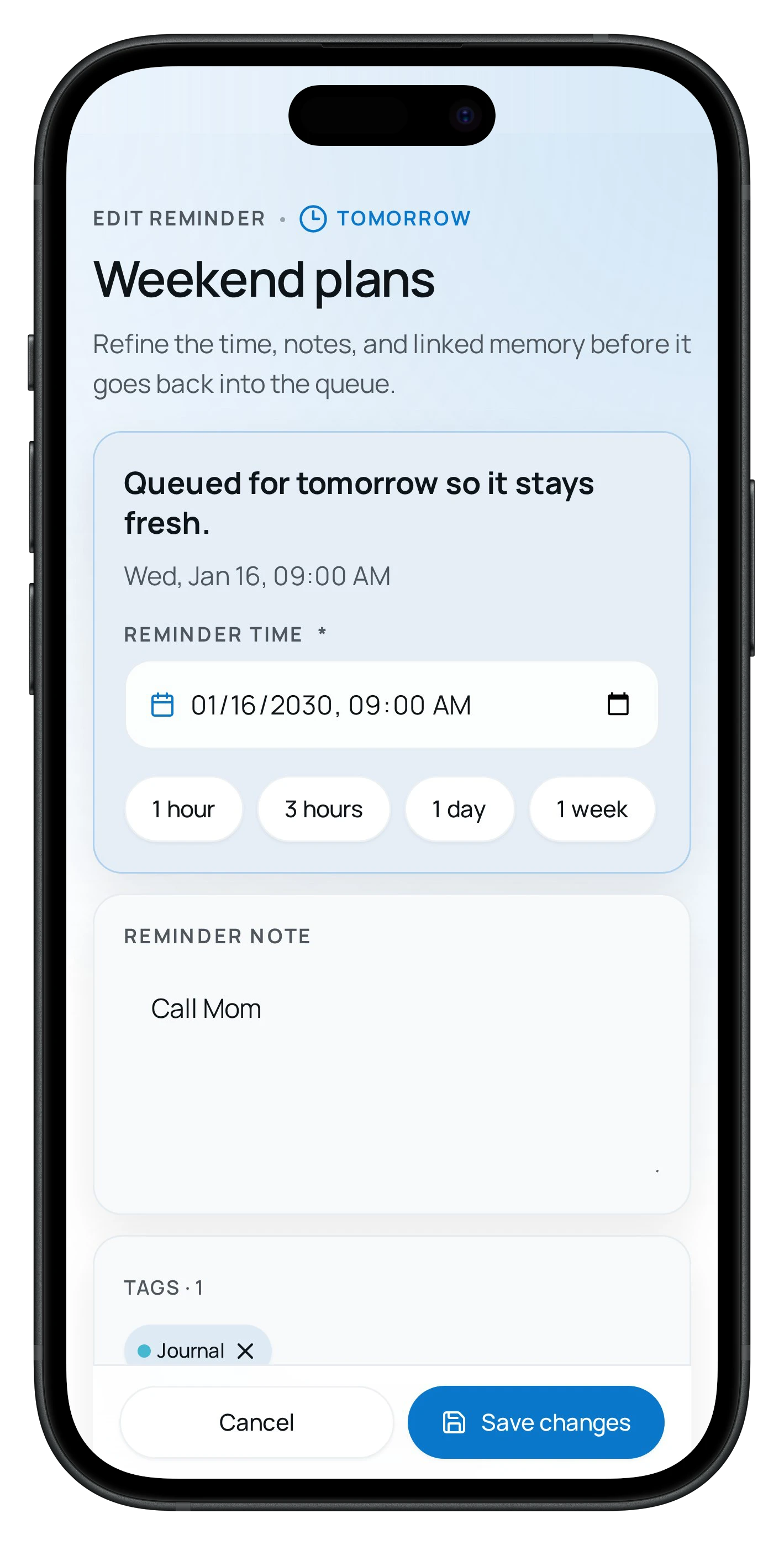
Mini App: keep what you forward in one archive and come back to it with search or a reminder.
Forward a link, file, voice message or channel post. Memora keeps the source with the record and transcribes supported voice and video notes.
Personal stays personal.
Your content stays out of analytics.
Product analytics receive usage events, never the contents of your memories, transcripts, documents or photos.
Your archive, your rules.
Export your records to Markdown and JSON, or permanently delete your account in Settings.
Inside Telegram.
It works where you already talk. No third-party sites or extra sign-ups.
Asked, then filed.
Answers to common questions about Memora.
Do I need to download a separate app?
No. Memora lives inside Telegram: the bot handles quick saving, and the Mini App gives you a calm archive view, search, and settings.
What can I save in Memora?
Text memories, links, DOCX, XLSX and PPTX documents, and PDFs with a text layer, images, voice messages, video notes, and forwarded posts from other channels.
How does Memora make saved Telegram content searchable?
Memora keeps source context, transcribes voice messages, and searches extracted document text by keyword, including PDFs with a text layer. Scanned PDFs are saved, but their contents are not read yet. Smart search uses a short document excerpt.
How much does Memora cost?
You can start for free: the free plan includes an archive of up to 50 items plus monthly limits on voice transcription, document and image understanding, semantic search, and active reminders. Memora Pro removes those limits when you need more.
Who processes the content of my saved items?
To transcribe voice messages and make search work by meaning, Memora sends item content to external AI providers for processing. That content is not used to train models and is not sent into analytics systems. Items are stored on our servers, and you can export or permanently delete your archive at any time.
What about the safety of my data?
Your data is not used to train AI. You can export the whole archive or permanently delete it from our servers at any time.